
One cursor. Every computer.
Your desk doesn't need three keyboards. Push your mouse past the edge of any screen and it lands on the next machine — mid-sentence, mid-drag, no switch box in sight.
 Linux
Linux
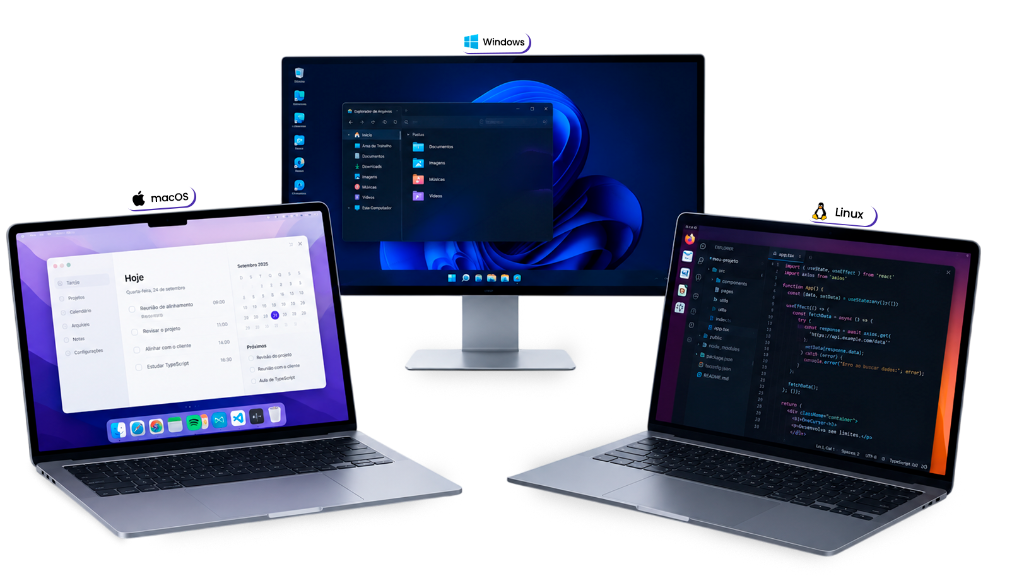
Everything works together.
Three simple steps and you're ready to work smarter.
OneCursor brings your machine, screens and mouse together seamlessly.
Install on each machine
Windows, macOS, or Linux — OneCursor runs quietly in the background on every computer you own.
Arrange your screens
Drag each computer into place on a map that matches your actual desk, left to right.
Cross the edge
Push your mouse past the border of one screen — it appears on the next, instantly.
One workflow for every one of your machines
No cables, no extra hardware, and no waiting for your computer to switch screens.
Unified
OneCursor makes all your computers feel like one system. One mouse, one keyboard, one clipboard — move your cursor and start typing.
More desk space
One keyboard, one mouse. Put the rest in a drawer.
Zero switch time
No hardware delay — the handoff happens the instant you cross the edge.
Security, copy/paste, and more
OneCursor is built for anyone running several machines at once: developers, IT teams, and creators. Everything encrypted, everything configurable.
See pricingEngineering and IT teams use OneCursor every day
From development squads to research labs, OneCursor simplifies complex, cross-platform environments.
Built for how you actually work
Three kinds of desks, one piece of software underneath all of them.
One desk for every environment
Engineering teams build, test, and run software across Windows, macOS, and Linux at the same time. OneCursor gets the extra keyboard and mouse out of the way.
Stay in your creative flow
Use a Mac for creative work and a Windows PC for specific tools, as if they were one computer.
Hobbyists & freelancers
From home labs to dual-PC streaming setups, any way of using multiple machines gets simpler.
One-time license, from $15
Pay once, own it forever. No hidden or recurring fees.